● Free · in your browser · nothing uploaded
Free Lyric Video Maker
Turn your song into a lyric video that moves with the music. Load the track, paste the lyrics, tap the space bar on each line, pick a style and export an MP4 for YouTube, TikTok or Reels. The song and lyrics stay on your device.
Preview · 720p
Your lyric video
plays here.
Load a song and paste its lyrics to begin. Nothing is uploaded.
Free while we test: 720p and 1080p, with a small motionlyric.com watermark in the corner.
Drop your song here
MP3, WAV, M4A, FLAC or OGG. It stays on your device.
Section labels like [Chorus] are skipped automatically.
Press Start, then hit Space the moment each line begins. Enter marks where a line stops (before a gap), ⌫ undoes. Click any line to redo from there.
- Paste lyrics in step 02 and they appear here, ready to tap.
How to make a lyric video in three steps
No timeline, no keyframes. You bring the song and the timing; the engine does the typography, the motion and the cuts, snapped to the beat.
- 1
Load your song
Drop in the audio file: MP3, WAV, M4A, FLAC or OGG. It is read by your browser and never uploaded, and the beat is detected so cuts can land on it.
- 2
Paste the lyrics and tap in time
Paste the lyrics, one line per line, then play the song and press Space as each line starts. Made a mistake? Press Backspace, or click the line and tap it again. Already have an LRC file? Paste it and skip this step.
- 3
Pick a style and export
Choose a style, press Surprise me for a new variation, pick 16:9 or 9:16, and export an MP4 in 720p or 1080p. The video is rendered on your computer.
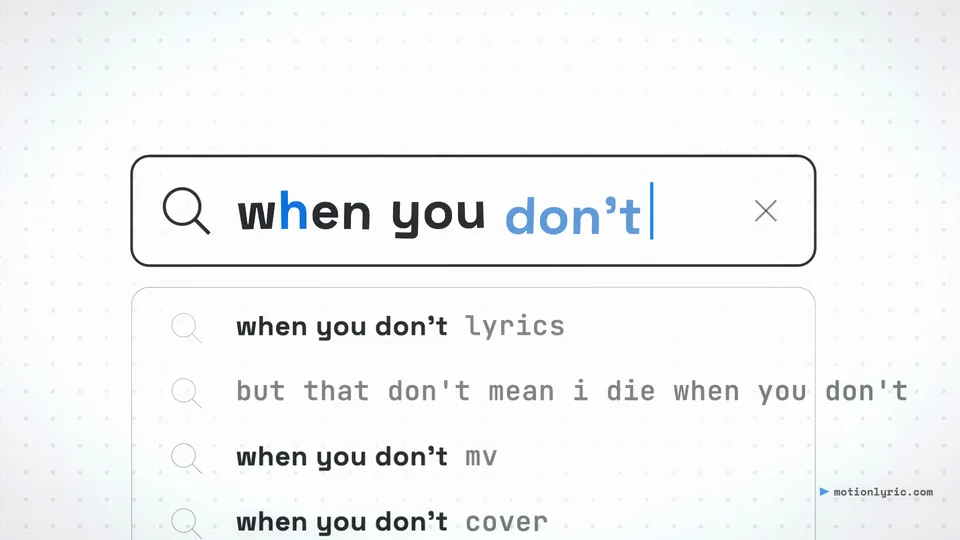
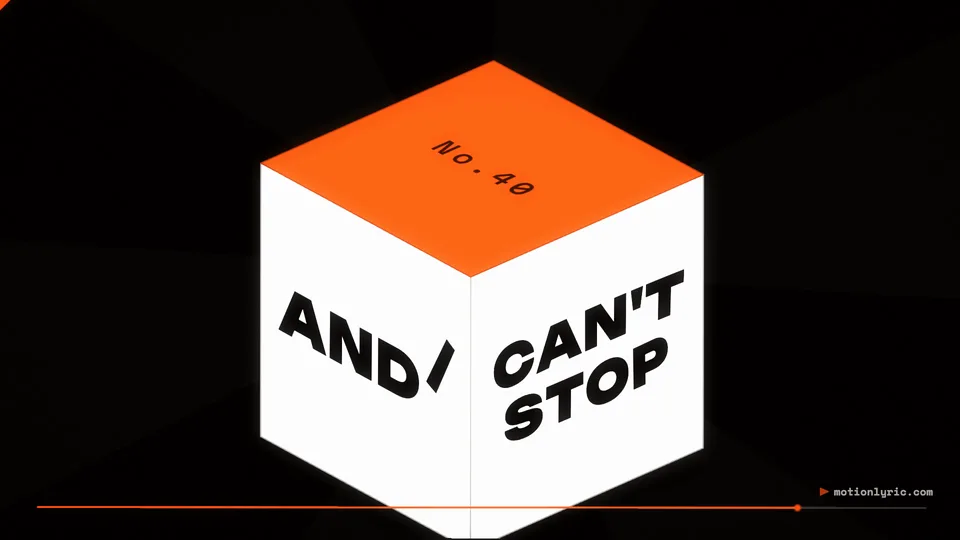
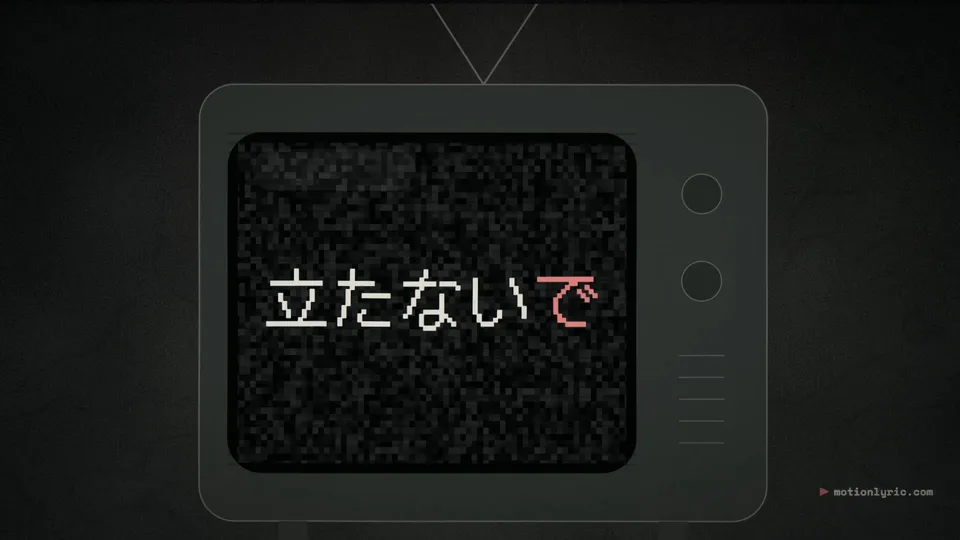
Lyric video styles, rendered by the editor
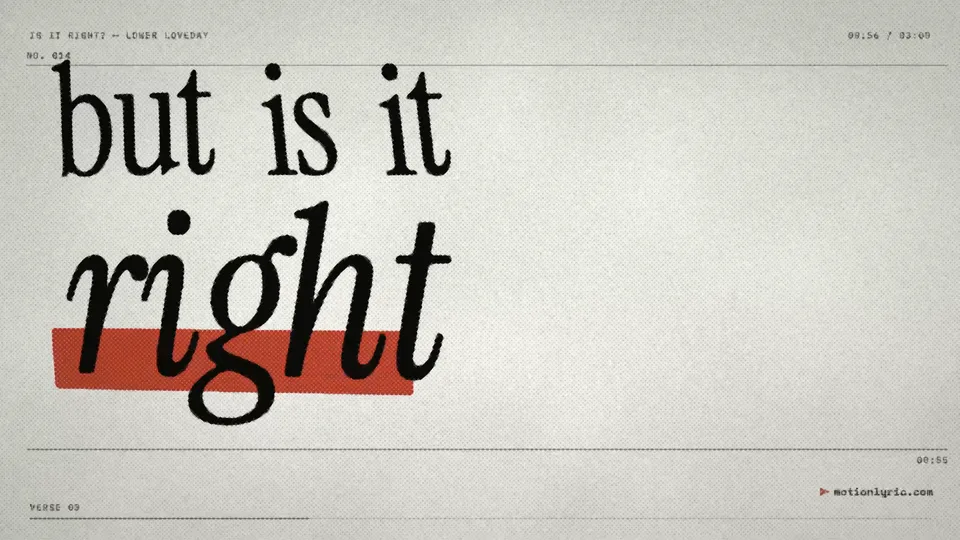
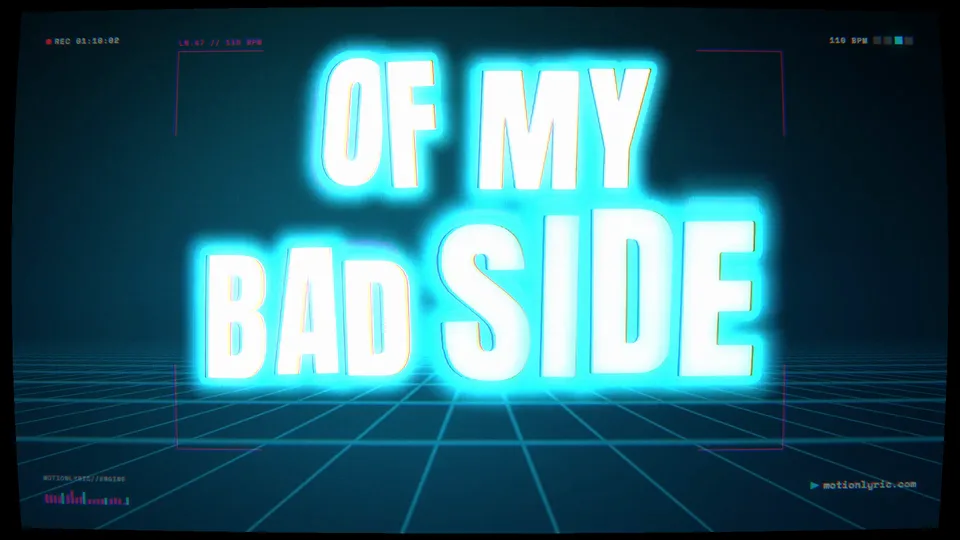
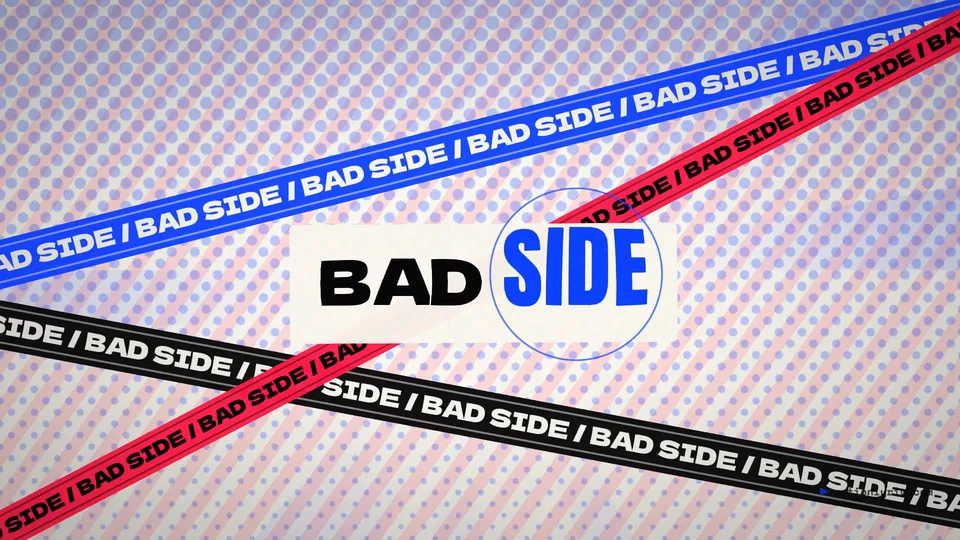
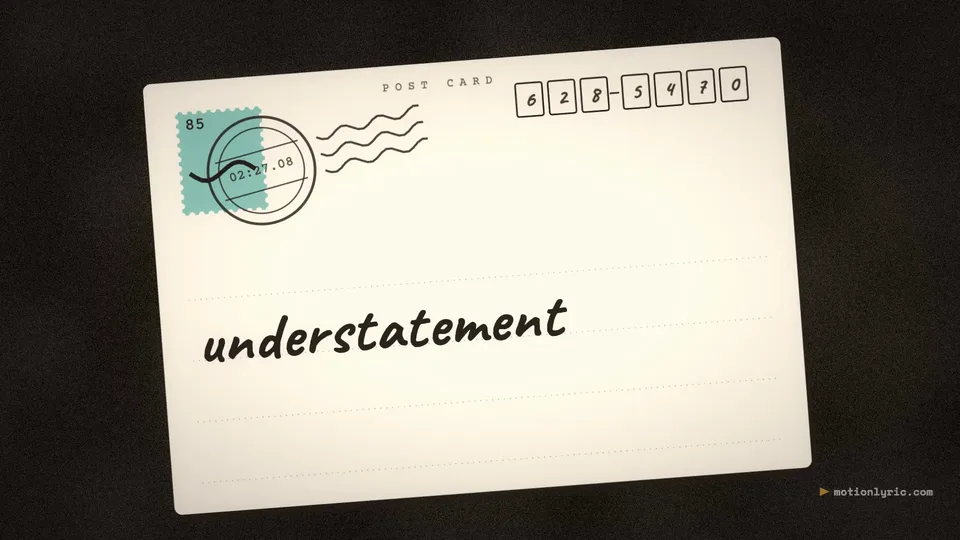
These clips are real exports from our engine, not mock-ups. Each style is a system of type, motion and cuts rather than a fixed template, so every seed gives a different video. Press play to see a few seconds.

What the free version does, and what it doesn’t
Included
- Unlimited tap-to-sync, with undo and redo from any line
- LRC import and “copy as LRC” export
- Every style, and a new variation whenever you press Surprise me
- 16:9 for YouTube and 9:16 for Shorts, TikTok and Reels
- MP4 export at 720p and 1080p, 30 fps, with a small watermark
- Autosave in your browser: close the tab and pick up later
Not yet
- Automatic syncing: today you tap each line yourself
- Watermark-free export and 4K
- Editing a single line’s animation by hand
- Export on most phones (sync and preview work there)
- Importing from YouTube or streaming links. You load your own file, on purpose.
Lyric video maker questions
Is this lyric video maker free?
Yes. While MotionLyric is in testing, both 720p and 1080p exports are free, with a small motionlyric.com watermark in a corner of the video. There is no account and no sign-up. Paid extras such as automatic syncing and watermark-free export are planned for later; tap-to-sync and a watermarked export are meant to stay free.
Is my song uploaded anywhere?
No. Reading the file, finding the beat, syncing, previewing and encoding the MP4 all happen inside your browser. The audio and lyrics never reach our servers. Your project is saved in your browser’s storage on this device so you can close the tab and come back; "New project" clears it.
How do I sync the lyrics to the music?
Open step 03, press Start and tap the Space bar the moment each line begins. Press Enter where a line stops before an instrumental gap, Backspace to undo, or click any line to redo from there. If you already have an LRC file with timestamps, paste it into the lyrics box and the timings are used as they are.
Which browsers can export the MP4?
Desktop Chrome, Edge and Safari. Export uses the browser’s built-in video encoder (WebCodecs), which most phones and some browsers do not offer yet; there you can still sync and preview, and the editor tells you when export is not possible. On Safari older than version 26 the video is saved without sound and the song comes as a separate WAV file.
How long does exporting take?
It depends on your computer and the style. In our tests on a recent laptop, a four-minute song took between one and four minutes at 1080p. Keep the tab open and in front while it renders.
Can I post the video on YouTube, TikTok or Instagram?
Yes. The file is a standard MP4 (H.264 video, AAC audio) that all of them accept. Choose 9:16 for Shorts, TikTok and Reels. You need the rights to the song and the lyrics you use, for example because you wrote them or have the owner’s permission; see our terms.
What lyric formats can I paste?
Plain text with one lyric line per line, or LRC files with [mm:ss.xx] timestamps, including repeated timestamps for choruses and word-level "enhanced" LRC. Section labels such as [Chorus] or [Verse 2] are skipped automatically, and you can copy your synced lyrics back out as LRC.
Does it work with AI-generated songs from Suno or Udio?
Yes, as long as you have the audio file and are allowed to use it under that service’s terms. MotionLyric does not import from links; you load the file you downloaded.